Tools and Authoring
Yo dawg, I heard you like tools...
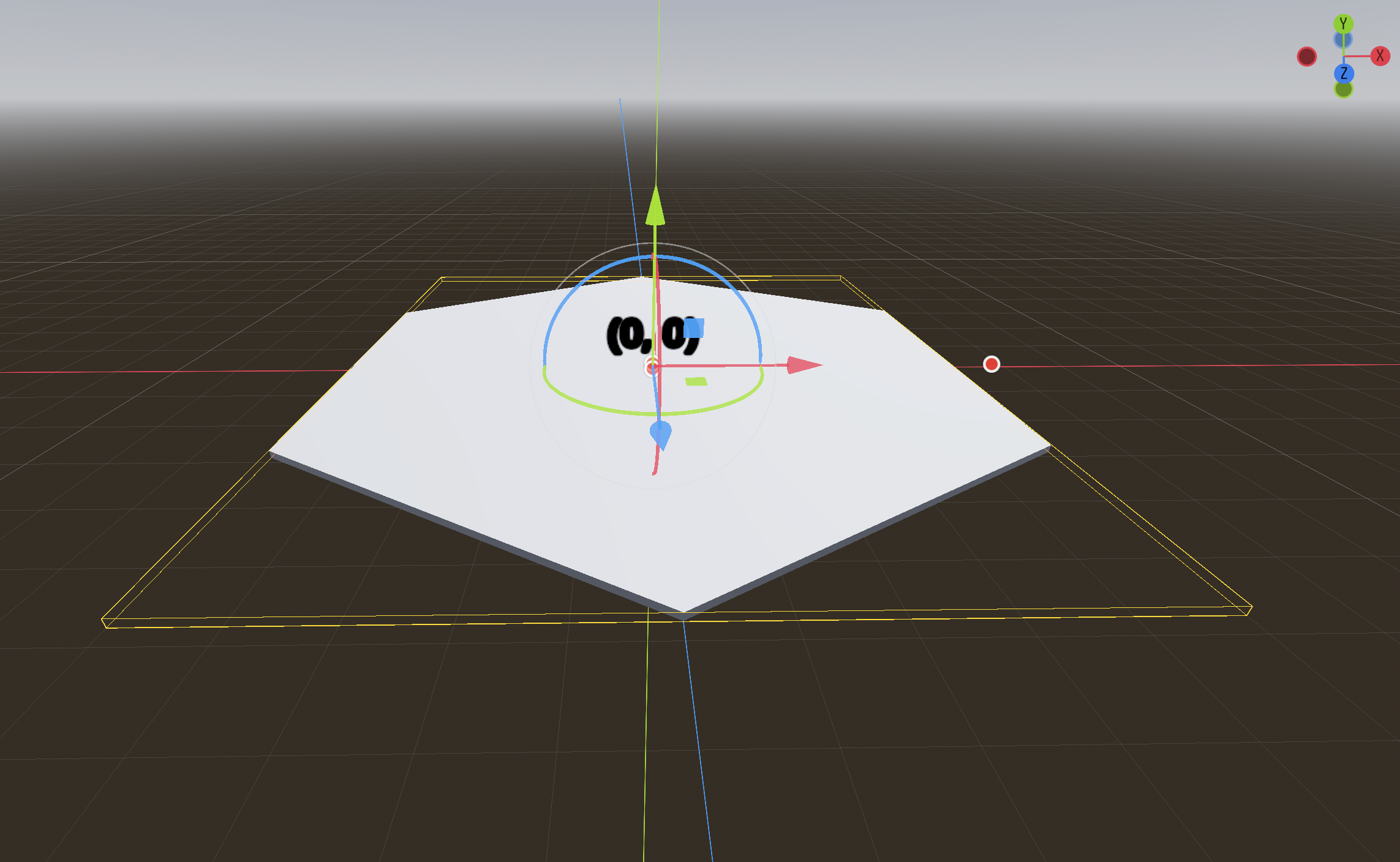
Not quite ready yet to tell you too much about the game, but I dug in yesterday and today on using @tool in Godot, which is as way where I can build elements that have code that can execute within the editor, that is to say without running the game. So, for example, I have this hex tile component:
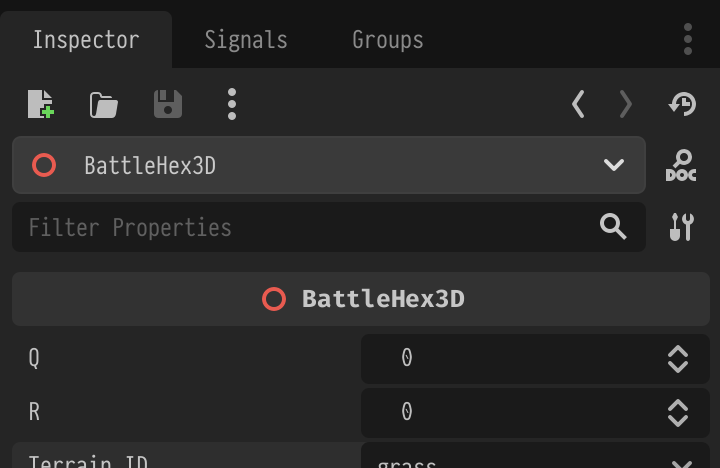
And in the inspector, I can change its Q and R coordinates, and it will execute code in its script that will update the coordinate label and actually move it to that position:
Sweet! And what's great is that this can be as recusrsive as you like. You can build tools that contain tools. For example, I saved the hex tile as a packed scene in Godot, and created a board scene that can have as many instances of the tile on it as needed:
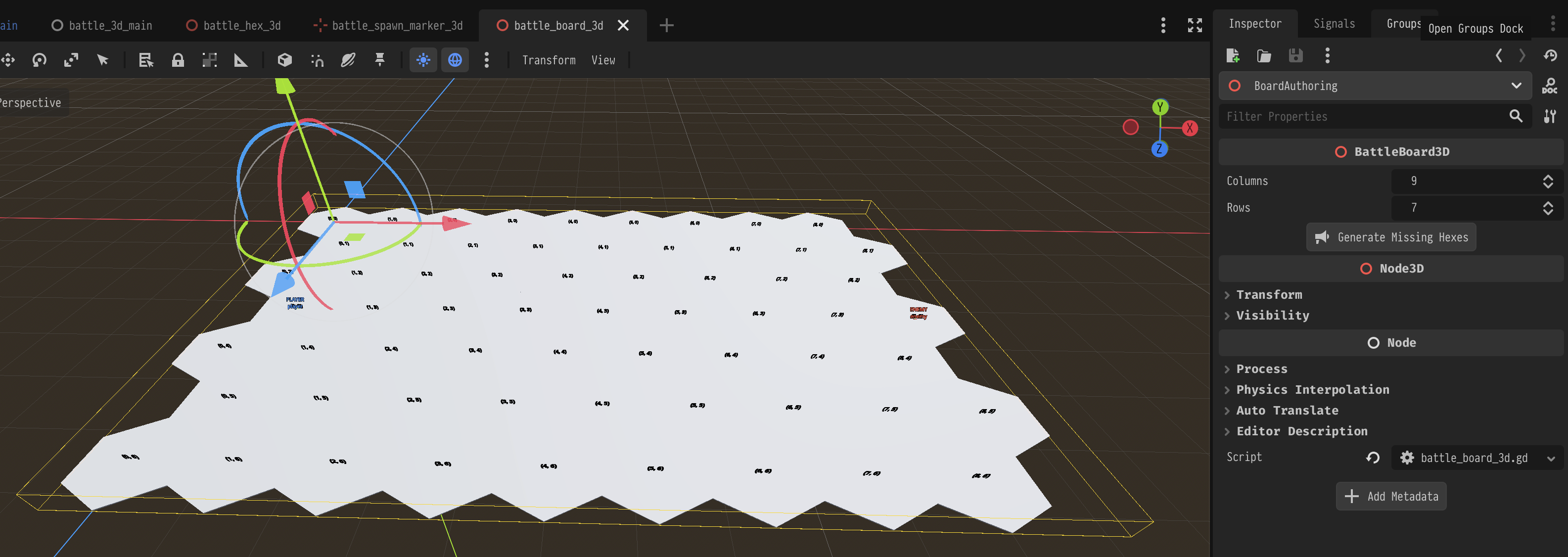
If I expand the dimensions of the board in the inspector (on the right side), I can hit that "Generate Missing Hexes" button and have it fill out the tiles in the new rows and/or columns. And that's because the board is a @tool as well, and can also execute code from within the editor.
Other kinds of tools
I also make use of a camera rig that contains a game camera. Fiddling with the settings in the image below would lead to changes I'd have to make to the camera object child node, otherwise it would be misconfigured and everything would look weird at runtime.
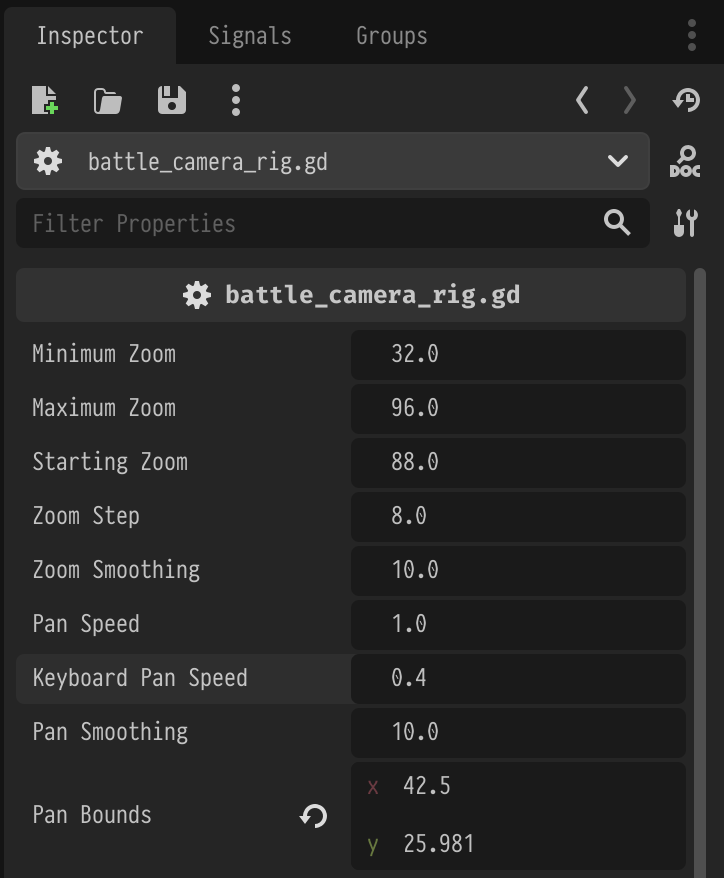
So, the camera rig runs as a tool as well, updating underlying values so they're proportional to the ones you manipulate in the inspector. An orthographic camera is the right choice for this game, I think, but it does make some things kind of complicated, and having code that handles some of that translation automatically is tremendously useful.
Anyway, here's a short clip of the hex grid board being used in the game scene.