Guessing Wisely
I built a private Wordle companion for solving boards and learning from every game
For the last couple of months, I've been working on an iPhone app called GuessWise. And unlike the many half-baked projects I've started over the years, I took this one from the "this is neat, I should finish it someday" stage all the way to release on the App Store. You can download GuessWise here.
The Wordle itself
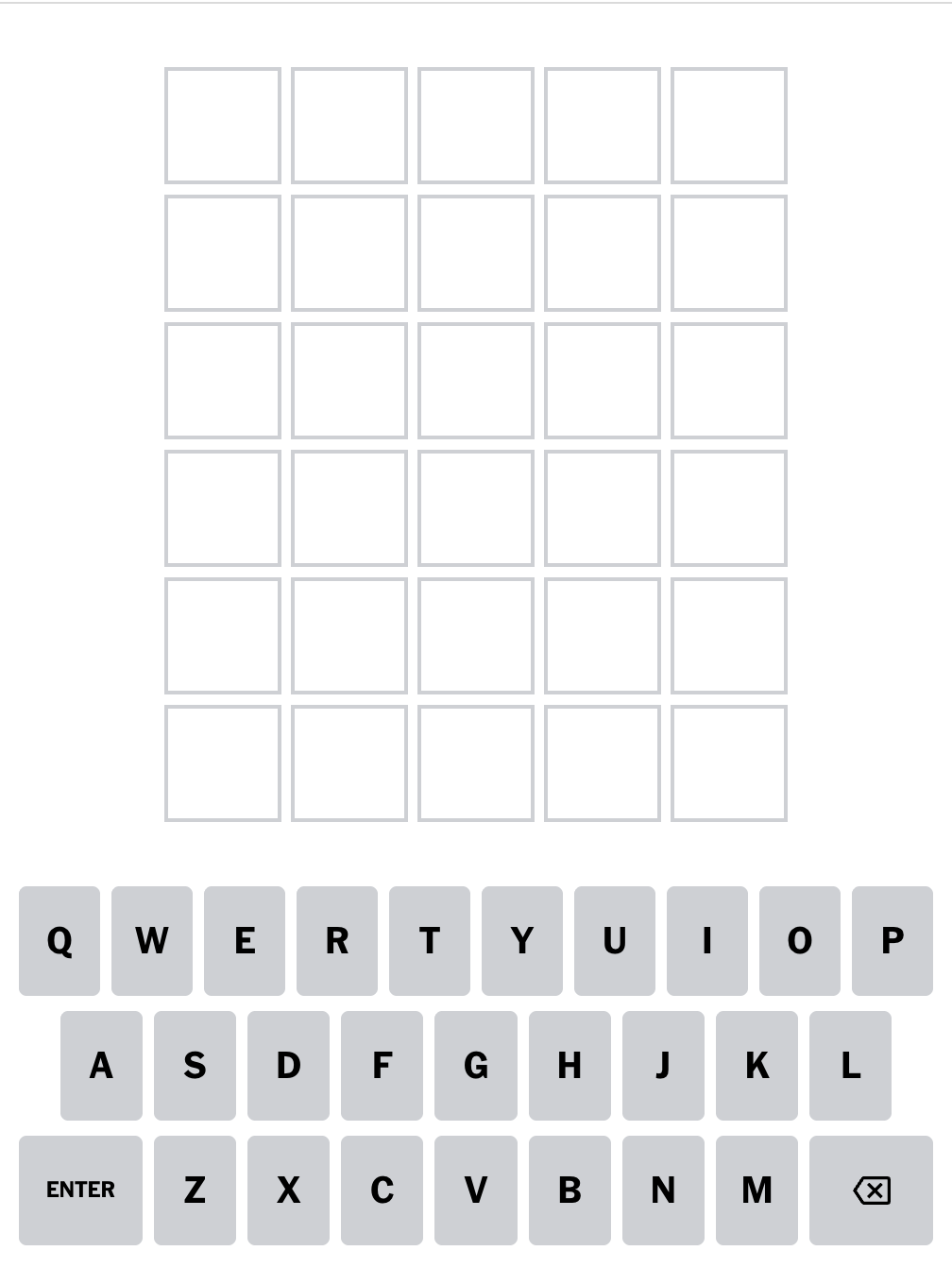
In case you've never heard of it before, the Wordle is a daily word puzzle published by the New York Times. You get six guesses to guess a five-letter word.
With each guess you submit, it color-codes the letters of your guess:
- gray for “this letter isn’t in your word”
- yellow for “it’s in the word but in the wrong place”
- green for “this letter is in the right place.”
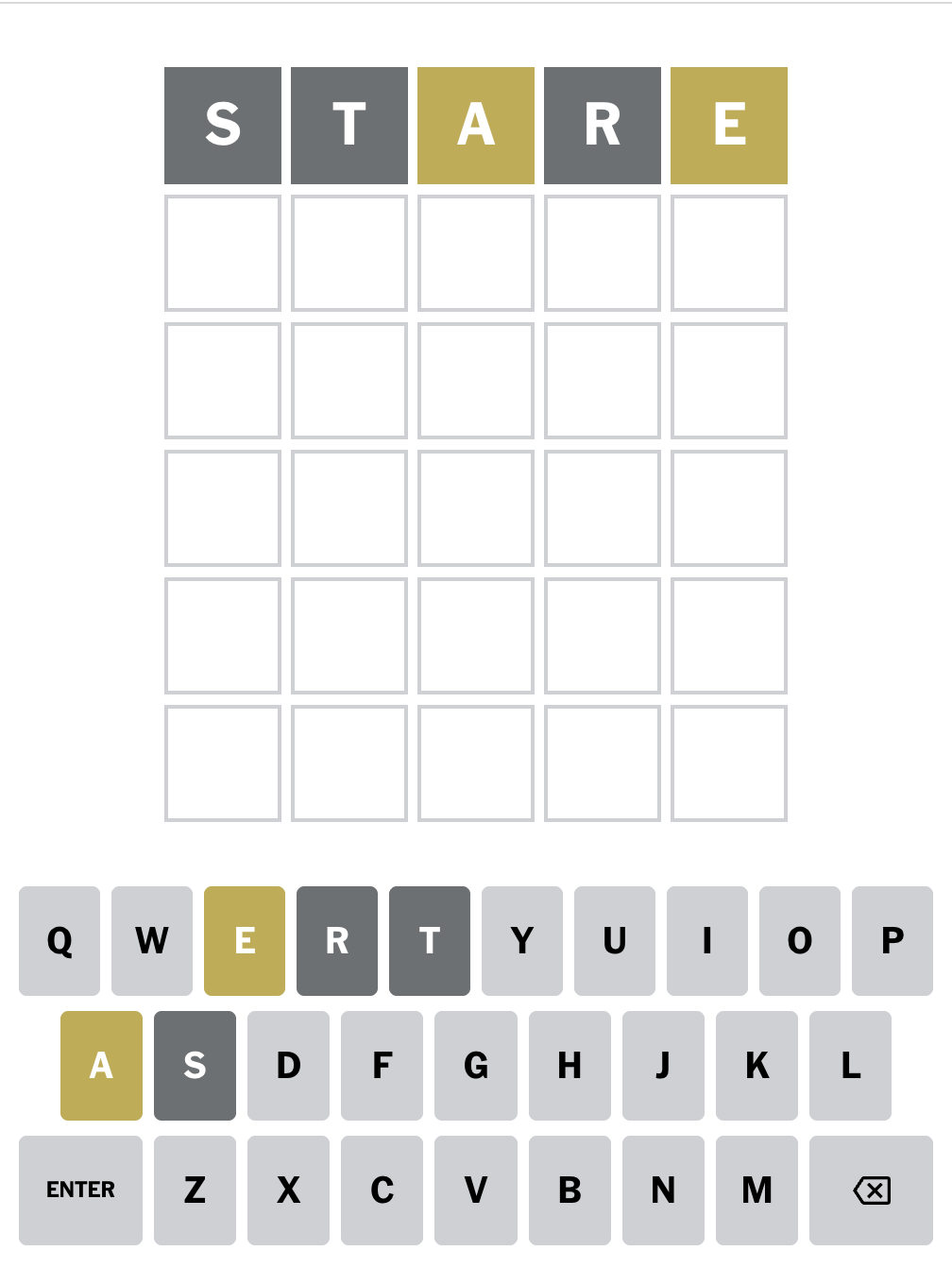
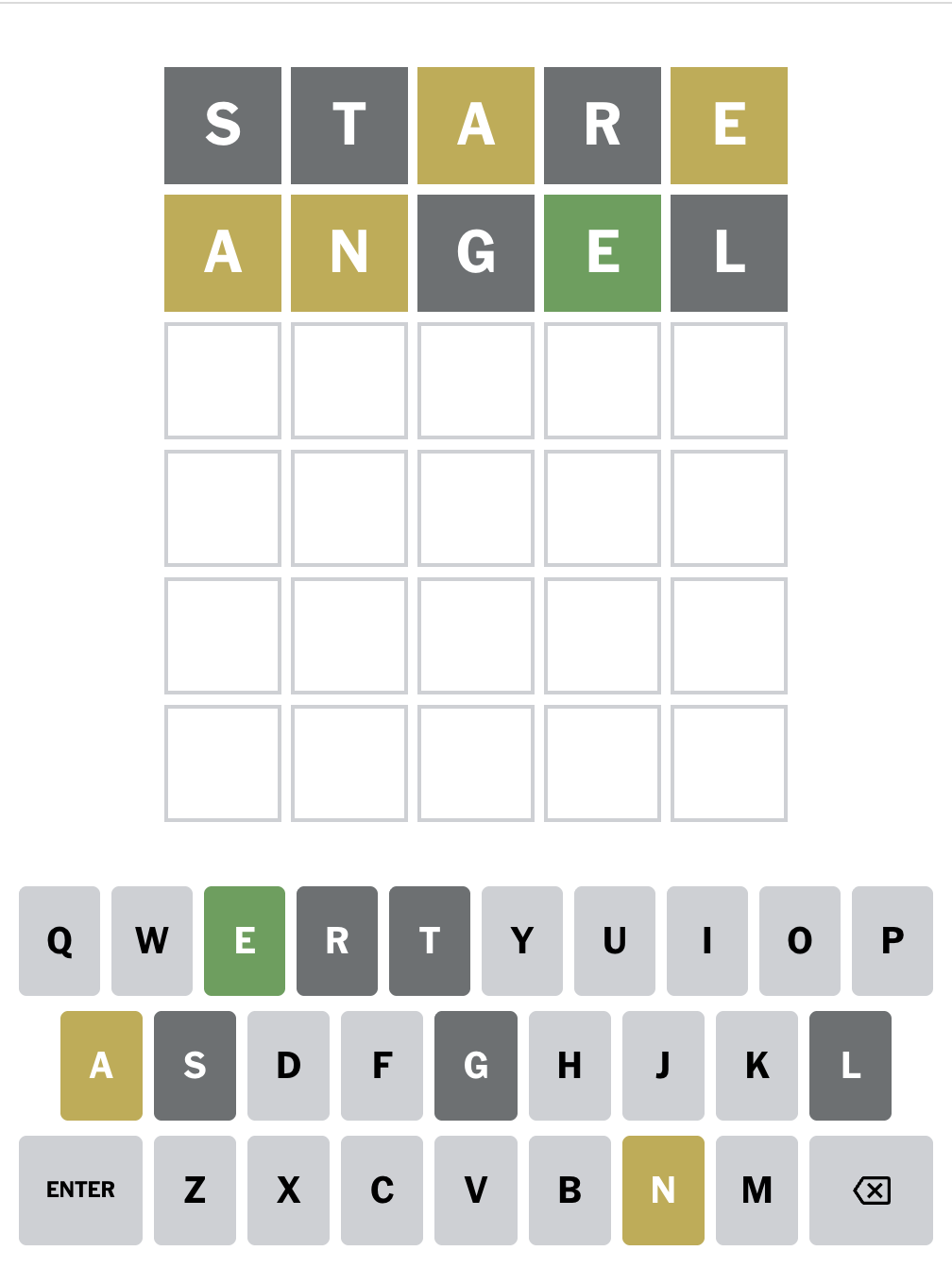
As you go, you try to infer what word fits all of those restrictions, and the on-screen keyboard lets you know which letters have been eliminated.
It started with a nerdy itch
Sometimes, when I was playing the Wordle, my mind would go blank and I couldn't even think of what words could go in, much less which ones were better than others. I just wished I could have a list that would get shorter as I put words in. It didn't take long before I thought, "Hey, I could build that."
So, I opened up a Swift Playground and wrote an algorithm. It would start with the known list of Wordle words (this has become a moving target), and then based on the gray letters you had, and where your yellow and green letters were, it would narrow down the list.
It scratched the itch, but I wanted more. I wanted a UI. I wanted to know what was working.
I wanted S T A T I S T I C S.
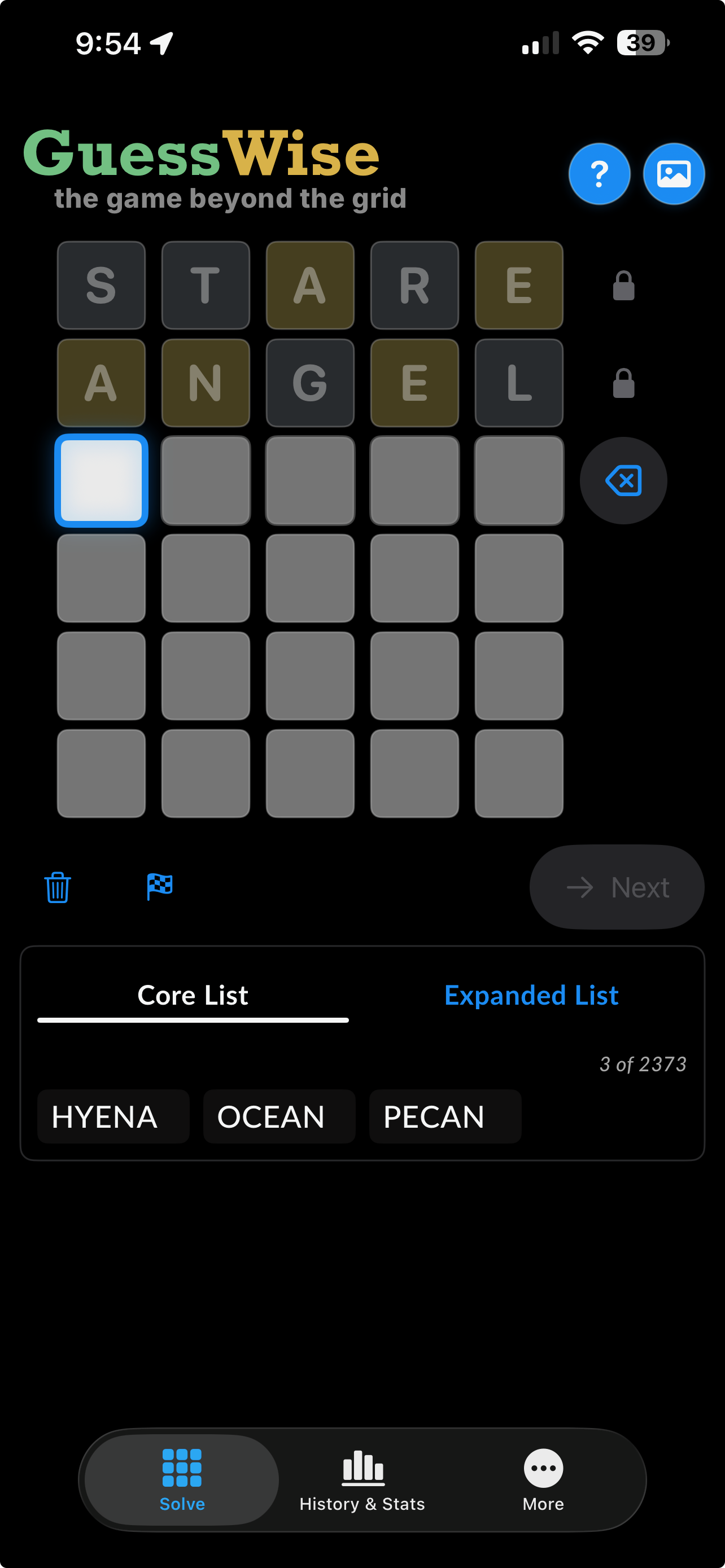
I designed the basic interaction to feel immediately familiar to anyone who'd played Wordle: Type a five-letter word, then tap each tile until its color matches the feedback you see in your game of Wordle, then move to the next row. As you add information, GuessWise updates the list of possible answers in real time.
The app starts with a focused list of likely answers. If the game you're playing has a more adventurous dictionary, there's also an expanded offline list with a few thousand additional five-letter words. You can tap any result to drop it into the active row, so exploring a possibility doesn't require typing the whole thing again.
Now, is using a solver cheating?
I mean... if you use it to immediately look up the answer every morning and then brag about your incredible Wordle prowess, then sure, yeah. Obviously.
But sometimes you're stuck and want a nudge. Sometimes you want to see whether your feedback leaves one possible answer or twelve. Sometimes the game is already over and you're just curious what else could have worked. GuessWise doesn't tell you how you're allowed to use it. It just gives you the tools and lets you use it how you want.
The Game Beyond the Grid
Once the solver worked, I became more interested in everything that happens around the game. Sharing your solve pattern is half the fun of playing the Wordle. (I have two different text threads I post my results to every day, one of which is with my wife and my mother-in-law, titled WordleFam.) It's fun discussing your favorite opening word. Do you always use the same one? Do you change it up? Has one performed better for you than others?
I quickly found that the meta-game of Wordle is just as fun to me as the Wordle itself. I wanted to make that game. In GuessWise, when you finish a board, you can save it as solved, failed, or abandoned. GuessWise uses that history to show your solve rate, average number of guesses, solve-length distribution, most-used starting words, and how well those starters have actually performed.
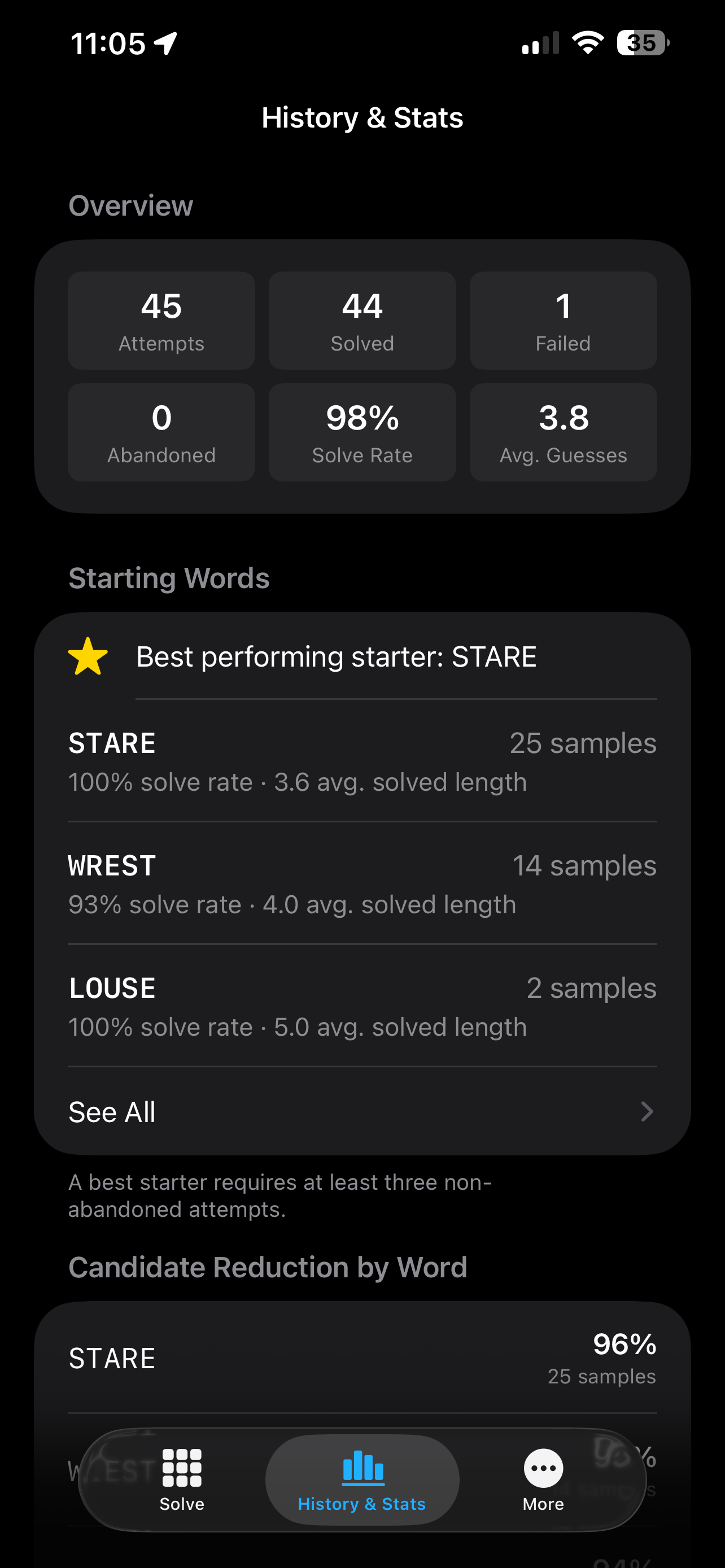
It also measures candidate reduction. In other words: when you played a word, how many possible answers did that word eliminate? You can look at that by word or by guess position and start answering questions like:
- Is my beloved starting word actually helping me?
- Which guesses tend to collapse a huge list of possibilities?
- Am I getting useful information from my second guess, or just playing words that I find funny? (That's my OTHER Wordle text thread, hahaha)
- Do I solve efficiently, or do I mostly stumble into the answer on guess six and call it strategy?
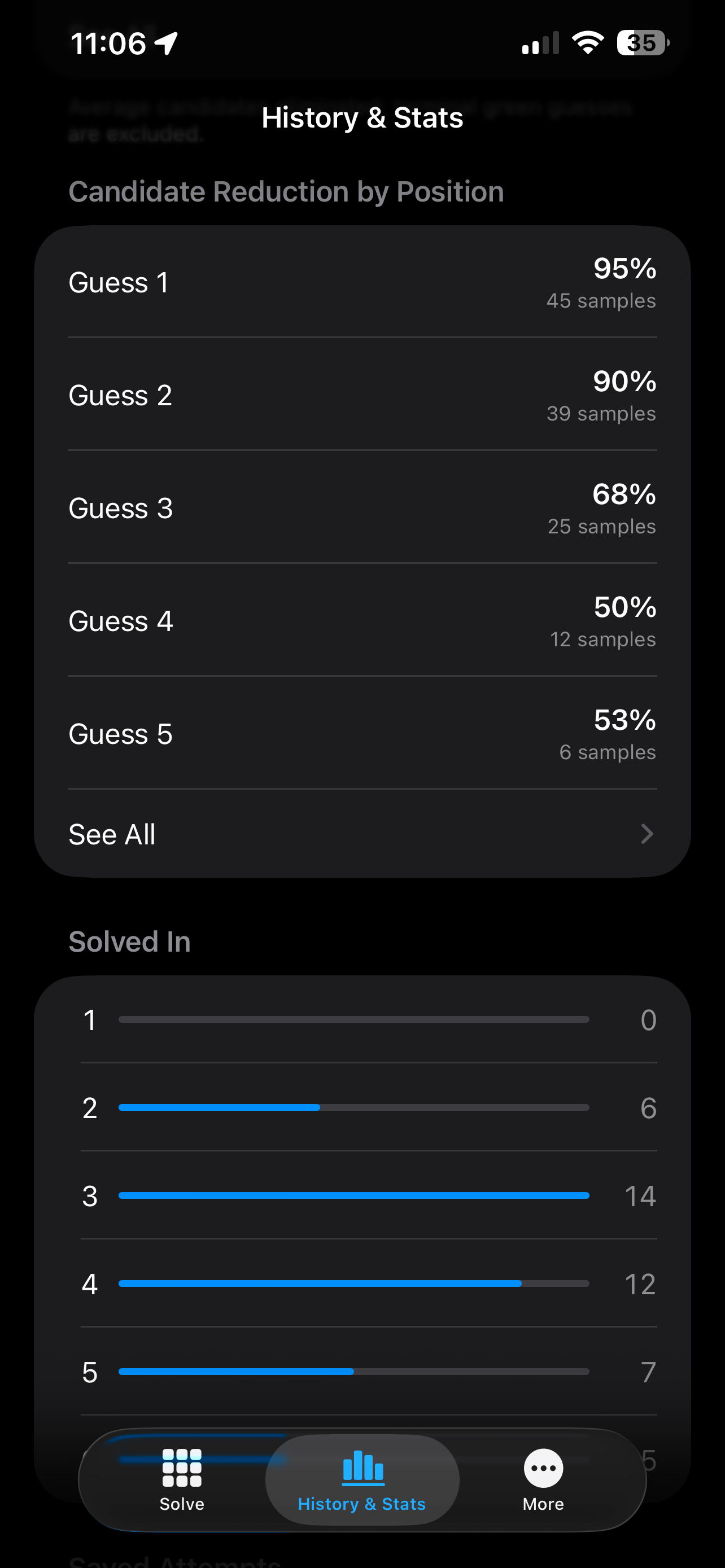
That became the reason for the name GuessWise and the tagline, "the game beyond the grid." It's still useful when you're stuck, sure, but it's also a game unto itself.
But what if I don't want to type the word AGAIN...
Typing yesterday's whole board into another app gets old quickly, so I wanted GuessWise to import screenshots.
I would love to tell you that I handed the image to Apple's text-recognition framework, it read the letters, and I went on with my life. That is not what happened.
It turns out that recognizing a single white letter floating inside a colored square is a rather different problem from recognizing a sentence on a page. General-purpose OCR was unreliable enough that it would occasionally produce a confident answer that was also completely wrong, which is, arguably, the least helpful kind of wrong.
Instead, GuessWise has a small, deterministic catalog of letter shapes built from known Wordle screenshots. The importer finds rows of tiles, identifies their feedback colors, compares each letter against the catalog, and reconstructs the board. It also has to avoid mistaking the on-screen keyboard for more game tiles, which is exactly the sort of ridiculous edge case that becomes obvious approximately five minutes after you think you're done.
Screenshot import works with supported official Wordle and Wordly.org mobile layouts. You can choose an image from Photos or send one to GuessWise from the share sheet. The app always shows the reconstructed board for confirmation before replacing anything, and if it isn't confident about what it found, it fails instead of making something up.
All of that processing happens on the device. The screenshot isn't uploaded anywhere.
Private by Design
GuessWise is free, and doesn't require an account. It has no advertising, no analytics on your data, and no tracking. Your boards, history, and statistics stay on your device.
This is partly a privacy decision, but it's also a scope decision. Does a five-letter word companion really need a login system, a social network, a cloud dashboard, or a monthly subscription? It needs to open quickly, do its job, and leave you alone.
Every feature is free. There are optional tips in the app if you'd like to support continued development, but they don't unlock anything. All features are available to all users, paid or free. A tip is just a tip, which feels like it should not be a novel business model, and yet here we are.
Anyway, that's GuessWise. It's a small app, but it has turned into one of those projects where every finished piece reveals another interesting little problem hiding underneath it. I've had a ton of fun building it, and I'm constantly getting more ideas for new features.
Give GuessWise a try on the App Store, and if you do, let me know what you think.
GuessWise is an independent companion and is not affiliated with The New York Times Company or Wordle.